Layercn — UI Kit & Plugin for Figma
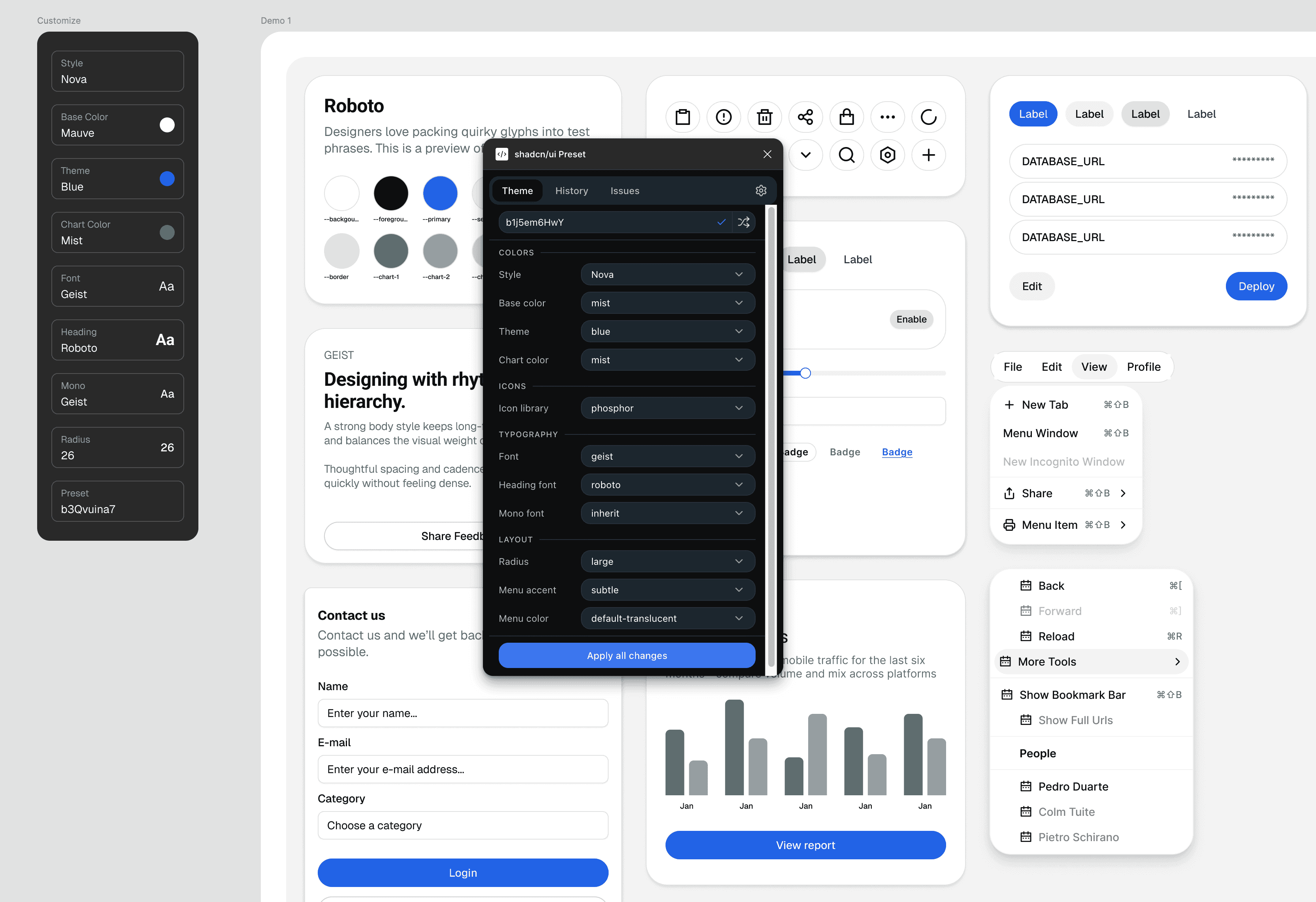
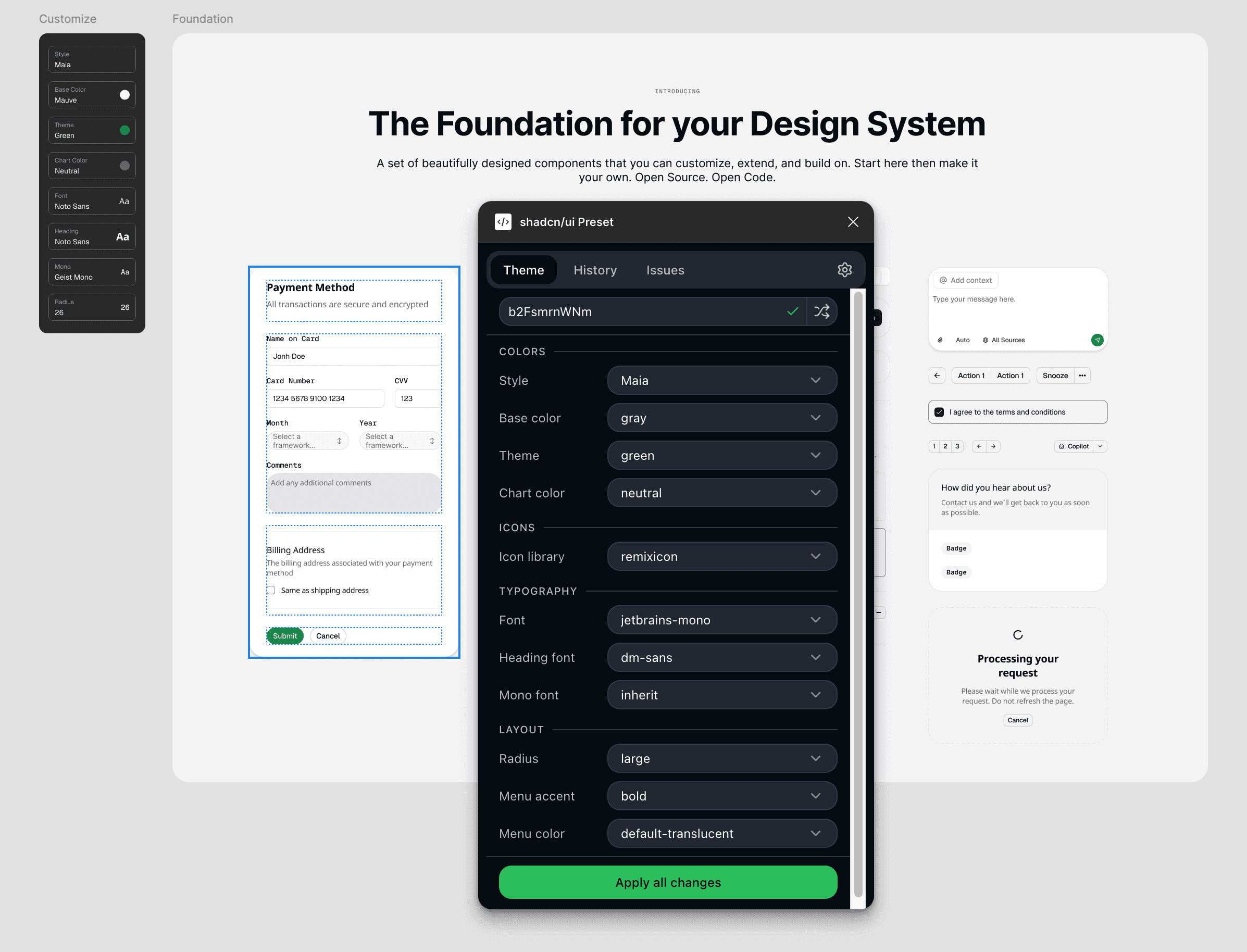
A Figma plugin built for teams who ship fast on the shadcn/ui stack. Every component maps 1:1 to production code. Helps you super-fast start the Design System in Figma.
Client
Sideproject
Year
2026
Role
Product Builder
Challenge
The shadcn/ui ecosystem had several Figma kits by 2026 — most of them aren't optimised for workflow efficiency and super fast setup of the new project. You'd spend hours configuring tokens, swapping variables, and decoding which component variant matched with code base. The gap was time-to-first-frame: nobody had made that the primary value proposition.
Process
Layercn was designed around a single constraint: a designer should be able to drag a block onto a canvas and have something production-correct within minutes, not hours. The second constraint: the resulting Figma file must be legible to an AI agent without any hand-holding.
Result
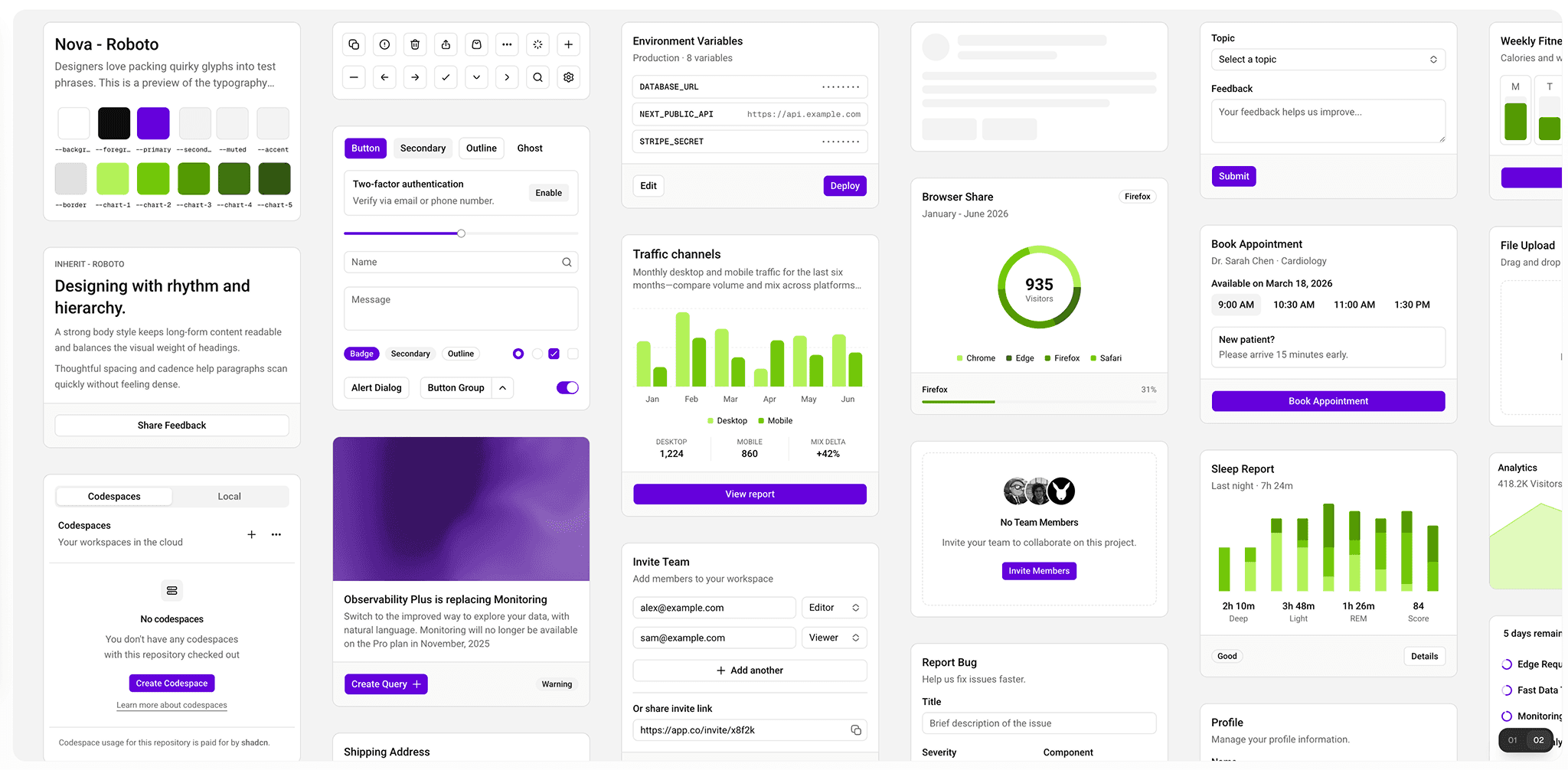
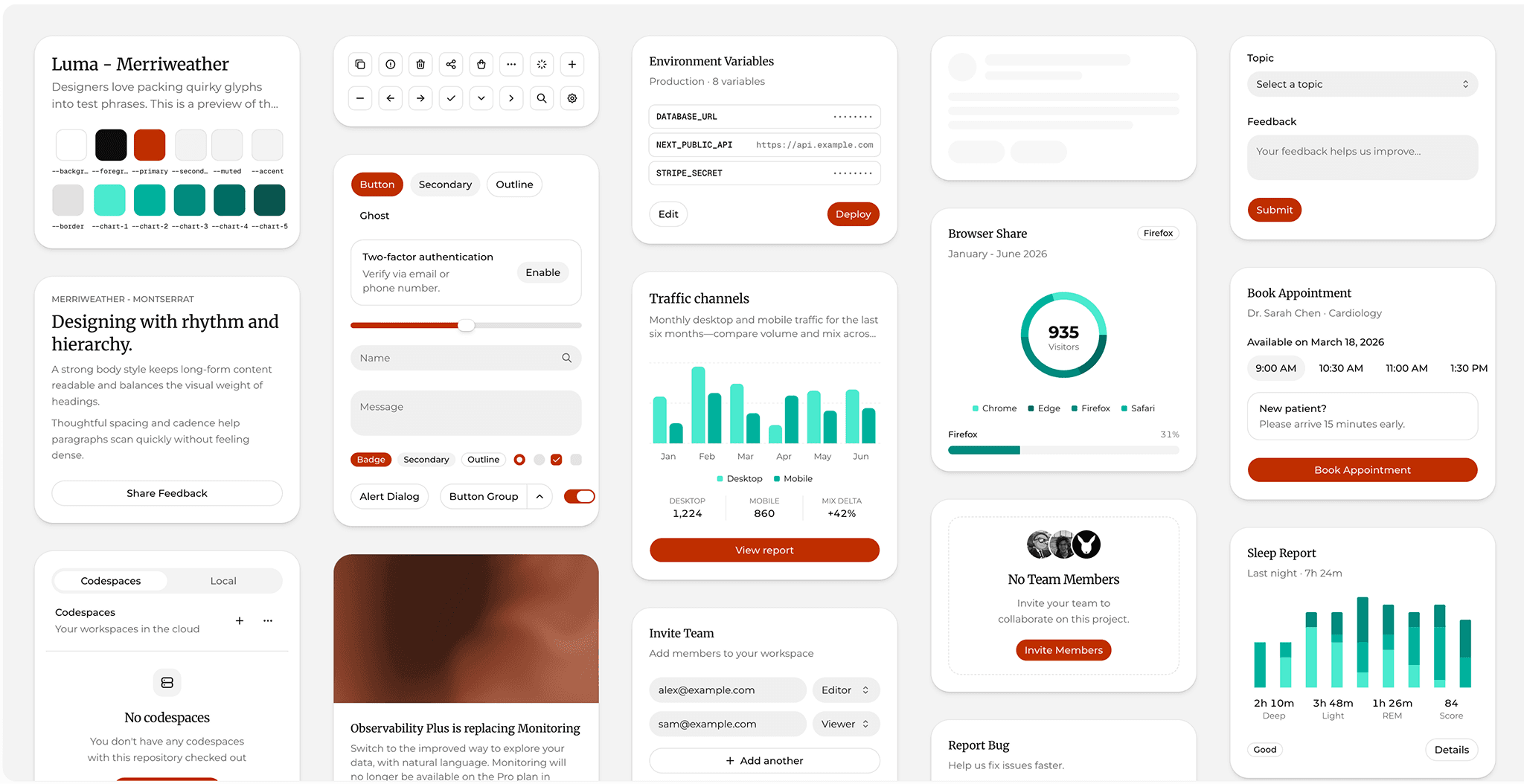
Figma UI Kit and plugin that helps me to start any new project super-fast with the foundation even when super early initial exploration phase of the project.
Fully tokenized approach setup the foundation out of the box right from the beginning.
Built by hand. Scaled with MCP.
The library was built manually in Figma — every component, variant, and token authored by hand. That choice was deliberate. Automated generation produces technically correct components that are structurally messy; manual craft produces files that are both correct and pleasant to work inside.
Where MCP came in was for the work that benefits from scale and consistency checks. Rather than acting as an author, the Figma MCP connection served as a quality layer and a force multiplier for the repetitive structural tasks that inevitably accompany a library of this size.
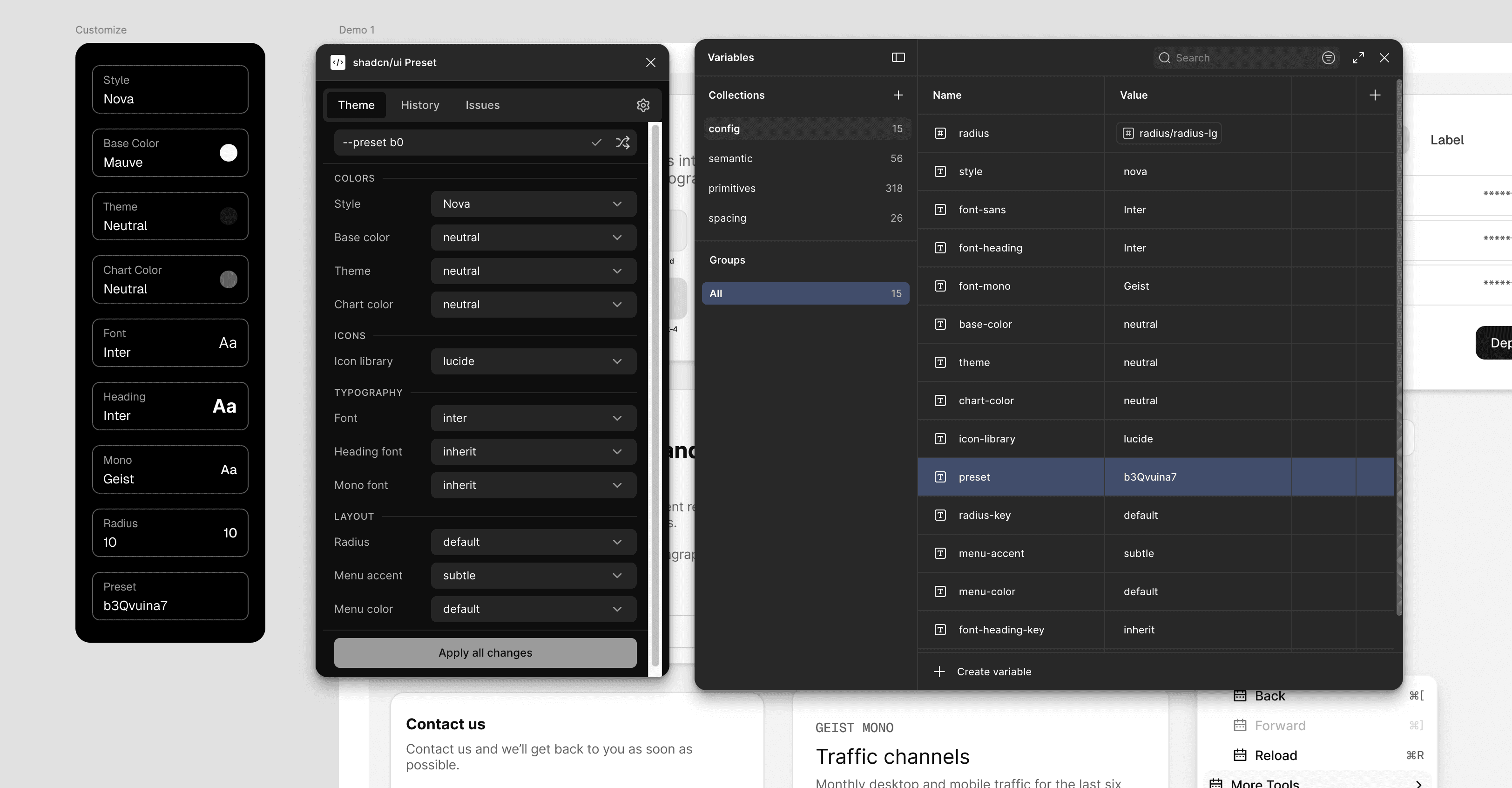
Plugin developed with a Claude Code workflow
The plugin was developed entirely through a Claude Code agentic workflow — writing, testing, and iterating on the Figma plugin API codebase without switching out of the loop. This wasn't AI-assisted writing with occasional suggestions; it was a full agent-driven development cycle where Claude Code handled implementation while the role shifted toward architecture decisions, UX judgement, and final QA.
This workflow compressed what would typically be several weeks of plugin development into a fraction of the time — and produced code that was immediately maintainable, because every decision was articulated rather than improvised.
Layercn — UI Kit & Plugin for Figma
A Figma plugin built for teams who ship fast on the shadcn/ui stack. Every component maps 1:1 to production code. Helps you super-fast start the Design System in Figma.
Client
Sideproject
Year
2026
Role
Product Builder
Challenge
The shadcn/ui ecosystem had several Figma kits by 2026 — most of them aren't optimised for workflow efficiency and super fast setup of the new project. You'd spend hours configuring tokens, swapping variables, and decoding which component variant matched with code base. The gap was time-to-first-frame: nobody had made that the primary value proposition.
Process
Layercn was designed around a single constraint: a designer should be able to drag a block onto a canvas and have something production-correct within minutes, not hours. The second constraint: the resulting Figma file must be legible to an AI agent without any hand-holding.
Result
Figma UI Kit and plugin that helps me to start any new project super-fast with the foundation even when super early initial exploration phase of the project.
Fully tokenized approach setup the foundation out of the box right from the beginning.
Built by hand. Scaled with MCP.
The library was built manually in Figma — every component, variant, and token authored by hand. That choice was deliberate. Automated generation produces technically correct components that are structurally messy; manual craft produces files that are both correct and pleasant to work inside.
Where MCP came in was for the work that benefits from scale and consistency checks. Rather than acting as an author, the Figma MCP connection served as a quality layer and a force multiplier for the repetitive structural tasks that inevitably accompany a library of this size.
Plugin developed with a Claude Code workflow
The plugin was developed entirely through a Claude Code agentic workflow — writing, testing, and iterating on the Figma plugin API codebase without switching out of the loop. This wasn't AI-assisted writing with occasional suggestions; it was a full agent-driven development cycle where Claude Code handled implementation while the role shifted toward architecture decisions, UX judgement, and final QA.
This workflow compressed what would typically be several weeks of plugin development into a fraction of the time — and produced code that was immediately maintainable, because every decision was articulated rather than improvised.